Loading Web Fonts: Readable Text Without Unnecessary Layout Shifts
A web font can strengthen a site’s identity, but the wrong loading strategy can delay text or move the layout when the font arrives. File size is only part of the problem: discovery timing, the number of styles, waiting behaviour and fallback metrics also matter.
The goal is not to load every font as early as possible. It is to keep text readable, avoid delaying critical resources and skip files the initial view does not use.
1. Inventory the fonts the page actually uses
Filter the network panel by Font and reload with the cache disabled. Record the family, format, weight, style, size and request timing.
A common mistake is loading every style globally even when the initial view uses only regular and bold text. Each extra file competes with CSS, images and scripts.
2. Choose font-display for acceptable behaviour
The font-display descriptor controls how text behaves while the web font is unavailable. swap shows a fallback quickly but the later replacement may be visible. optional favours a stable initial render and may keep the fallback for that navigation on a slow connection.
There is no universal value. Readability usually matters more than hiding body text, while a brand font with very different metrics needs closer layout-shift testing.
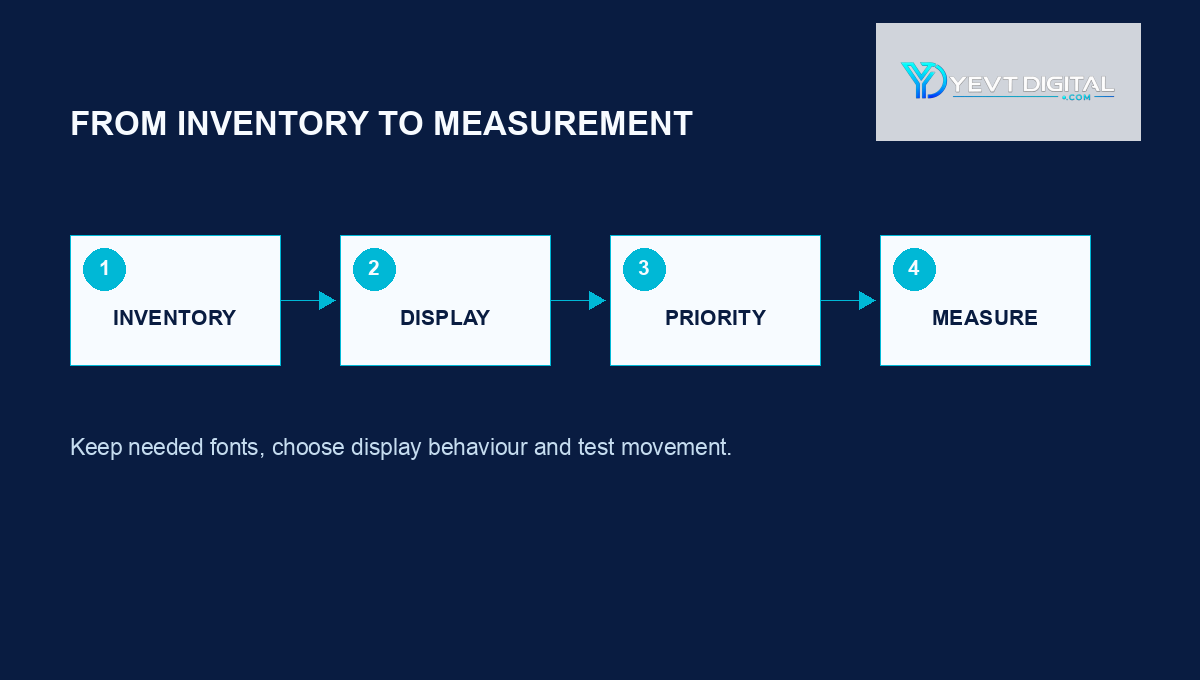
3. Use preload only for critical styles
preload can start a request before the browser reaches the @font-face rule, but it gives the resource high priority. Too many preloads may delay more important requests.
Preload only a font that the initial view certainly uses. Fonts require a matching crossorigin attribute even when self-hosted; the URL and format must match the CSS declaration to avoid a duplicate request.
4. Reduce files and variants
WOFF2 is the usual format for modern browsers. Subsetting can reduce size, but the subset must include every letter, diacritic, punctuation mark and symbol used by the supported content.
A variable font can replace several static styles, but it is not automatically smaller than two carefully selected files. Compare actual transferred bytes and the browser support your project needs.
5. Match the fallback and web font
Layout movement often occurs because the fallback has different width, line height or proportions. Choose a structurally similar system fallback and test headings, buttons and long sentences.
Descriptors such as size-adjust, ascent-override, descent-override and line-gap-override can align metrics, but calculate and test values rather than copying another project.
6. Test behaviour, not only a score
Test a first visit on a slower network, then a repeat visit with cache. Watch whether text remains visible, requests repeat and replacement changes line breaks or element sizes.
Lighthouse and field CLS can flag a problem, but the network record and screenshots identify the font and element responsible. Separate delayed text from layout movement.
7. Make one controlled change
Change one thing: remove an unused style, add font-display, preload one critical font or improve the fallback stack. Repeat the same network test before the next change.
- List the font files actually transferred.
- Mark styles required in the initial view.
- Choose font-display and a fallback.
- Preload only a confirmed critical file.
- Test first and repeat visits, text visibility and movement.
8. Frequently asked questions
Should every font be preloaded?
No. Preload is most useful for a small number of fonts definitely required in the initial view.
Is font-display: swap always best?
No. It shows text quickly, but replacement may be visible; the choice depends on priorities and font metrics.
Does self-hosting solve font performance?
Not by itself. Size, styles, caching, discovery and display strategy still matter.
Is a variable font always smaller?
No. Compare the real file with the static styles you actually use.
Why is a preloaded font downloaded twice?
A mismatch in URL, format or crossorigin mode between preload and @font-face is a common cause.
How do I verify a character subset?
Build a test page covering every supported language, letter, number and symbol, then check that no text falls back to another font.
9. Conclusion
Reliable web-font loading begins with an inventory, not more priority hints. Keep only necessary files, choose waiting behaviour, preload selectively, align the fallback and inspect the real network record and movement. The right strategy depends on the content and brand, so confirm every change on the actual page.
Sources: web.dev: Optimize web fonts, web.dev: Best practices for fonts, MDN: font-display. Accessed 13 November 2026.
Send us the page and describe where you notice delayed or shifting text.