robots.txt and noindex Without Confusion: Separate Crawler Access from Indexing
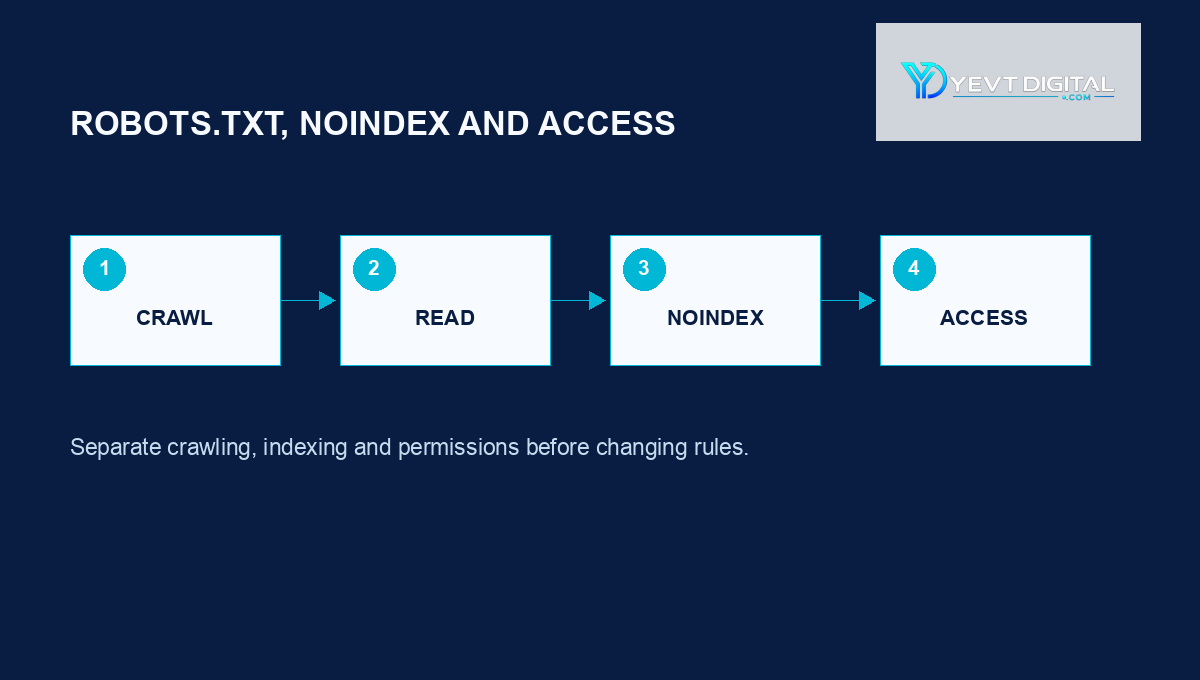
robots.txt, noindex and access protection answer three different questions. robots.txt tells a compliant crawler which paths it may access. noindex asks a search engine not to show a page in results when it can read that rule. Login, a password or another access-control mechanism prevents unauthorised retrieval. Mixing these roles creates surprises.
A common trap is blocking a URL in robots.txt while expecting it to disappear from search. Google explicitly states that indexing rules cannot be discovered on a page the crawler is not allowed to access. RFC 9309 also warns that robots.txt is not an authorisation mechanism and its paths are public. Start with the question: are you controlling crawling, indexing or access to content?
1. Define the problem before choosing a control
If you want to reduce crawling of duplicate or technical URLs, consider crawler rules. If you want a publicly reachable page excluded from results, consider noindex. If an unauthorised person must not see the content, use genuine access control. One URL may have several requirements, but each requires the appropriate mechanism.
Write the objective for each URL group before changing anything. Avoid “hide it from Google”, because that does not separate network access from presentation in results. State whether the URL may be fetched, whether it may be indexed and who may open it. These three answers prevent robots.txt from becoming a substitute for privacy or noindex from being applied to content that should not be public at all.
| Need | Mechanism | Important limitation |
|---|---|---|
| Manage compliant crawler access | robots.txt | Not authorisation or secret protection |
| Exclude from search results | noindex or X-Robots-Tag | The crawler must read the rule |
| Private or restricted content | Authentication and permissions | Does not rely on crawler behaviour |
2. Use robots.txt for crawler access, not secrecy
The Robots Exclusion Protocol defines a /robots.txt file at the root of the service and rules for user agents. A compliant crawler selects the most specific matching path rule. This is an agreement about automated access, not a security boundary. Anyone who can reach the file can read the paths it contains, so it should not reveal secret locations.
Before editing, identify the host, protocol and subdomain to which the file applies. A rule on one host does not necessarily apply to another. Test a specific URL against a specific user-agent group. Do not assume every robot follows the standard or that disallow removes a previously known URL from every index.
3. Use noindex where the rule can be read
For an HTML page, noindex is commonly placed in a robots meta tag. The X-Robots-Tag HTTP header can carry the same instruction for non-HTML resources such as PDF files. Google documentation says the rule works only when the search engine can fetch the page or response and read it.
Do not add disallow and noindex as if they reinforce each other. If robots.txt prevents crawling, the search engine may not see noindex. To remove a result, allow the response carrying noindex to be fetched and monitor the state. Consider restricting crawling later only after evidence shows that indexing has been updated and another rule will not hide the signal.
4. Understand why a blocked URL can still be known
A search engine may learn an address from an external link, sitemap, earlier crawl or another signal. Even without fetching the content, the address can remain known. “Blocked by robots.txt” is therefore not the same as confirmation that the URL is absent from an index. Exact behaviour depends on the search engine; do not automatically transfer one system’s rules to all others.
For public removal, follow the documented process of the relevant search engine and inspect the URL in its appropriate tool. For urgent exposure of sensitive data, do not wait for indexing: remove the content from the public response, enforce permissions and, when appropriate, use the search engine’s official temporary-removal tool. A temporary tool does not repair the underlying exposure.
5. Protect private content with authentication and permissions
robots.txt publicly lists paths and relies on voluntary crawler behaviour. noindex affects display in results, but it does not stop a person who knows the URL from downloading the page. Private documents, administration, user data and work-in-progress require identity checks and permissions at the server or application layer.
Check direct files, backup copies, CDN URLs and alternate hosts too. A page behind login is not protected if the same file is reachable from public storage. An unauthorised response should withhold the content, not merely hide a link in the interface. Do not put secret tokens or personal data in URLs, which can appear in logs and browser history.
6. Change rules in a controlled way and verify the result
Save the existing robots.txt, meta tags and headers, then inventory representative URLs. For each one, record expected crawler access, indexing state and user permission. Change one rule group at a time and inspect the actual HTTP response, final URL after redirects, robots meta tag and X-Robots-Tag header.
After the change, monitor server logs, search-engine tools and public results for a reasonable period. Do not treat HTTP 200 as proof that a page is correctly indexed or removed. Record the change time, tested URLs and evidence. If the outcome is unclear, do not extend the rule to the whole site until the cause is understood.
- Separate crawling, indexing and access for each URL group.
- Save current rules and representative responses.
- Check the host and most specific matching robots.txt rule.
- Inspect the robots meta tag and X-Robots-Tag in the real response.
- For private content, test denial without permission.
- Monitor the search-engine tool and document results before expanding the change.
7. Frequently asked questions
Does disallow remove a page from search results?
It does not guarantee removal. It controls crawling by compliant robots, while a URL may remain known from other sources.
Where should noindex be placed?
Use a robots meta tag for HTML; an X-Robots-Tag HTTP header can cover other responses.
Can disallow and noindex be used together?
They can coexist, but blocked crawling may prevent the search engine from reading noindex, so it is not a dependable removal method.
Does robots.txt protect an administration page?
No. Protection requires authentication and server-side permissions.
Does one robots.txt file cover every subdomain?
Not necessarily. It applies to a particular service and host; inspect each subdomain separately.
How should a change be verified?
Inspect the actual response, rules and headers, then use the search engine’s documented tool and monitor server logs.
8. Conclusion
robots.txt manages access by compliant crawlers, noindex controls appearance in an index when the rule can be read, and authentication plus permissions protect private content. Separate those three objectives, test specific URLs and preserve evidence before extending a rule.
Sources: RFC 9309: Robots Exclusion Protocol, Google Search Central: Robots meta tag, data-nosnippet and X-Robots-Tag. Accessed 18 November 2026.
Send us the site address and change objective for a crawl and indexing control review.