A Helpful 404 Page with the Correct HTTP Status
A visitor opens an old address from a leaflet and cannot find the page. A clear message and a few useful links help them recover. The server also needs to say that the requested content was not found. Check the display and the status separately, because a template can show an error even when the response carries status 200.
Start with the reason the address no longer works. A renamed page, a withdrawn offer, and a typo call for different decisions.
Distinguish the message from the HTTP response
The words “Page not found” belong to the document. The number 404 belongs to the HTTP response the browser receives. RFC 9110 says that 404 indicates that the server has no current representation for the requested resource or will not disclose that one exists. The status alone does not say whether that condition is temporary or permanent [1].
Status 410 applies when the server knows that access is no longer available and the condition is likely permanent. Use 404 for an ordinary mistyped address. When the same content has moved, prepare a redirect to its relevant destination. Those decisions call for different public responses even if the original addresses look similar.
Offer a few clear next steps
Write a short heading, one sentence explaining what happened, and a small number of choices. For a services website, those could be the home page, service directory, and contact page. If the website has a search that works well for this material, add it as an option. Keep navigation readable and make each link's destination clear.
On a bilingual site, use the language associated with the requested path where the application can determine it. Check that each link keeps the visitor in that language and that the choice makes sense without extra explanation. A 404 response can contain a useful page with links. Those links do not require a success status.
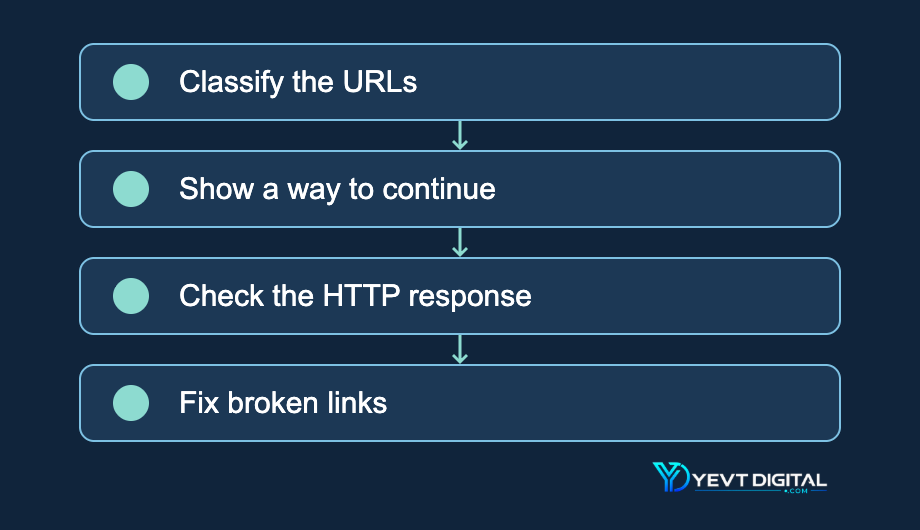
- Classify the URLs
- Show a way to continue
- Check the HTTP response
- Fix broken links
Choose a response for each type of address
For content that permanently moved, redirect visitors to its actual new location. Google documents permanent redirects as a way to point users and search systems to the new URL [3]. When content is removed with no suitable replacement, show a useful error page and return 404, or 410 if the removal is confirmed as likely permanent [1].
For an unknown or mistyped address, 404 makes sense as the default. Redirecting every such request to the home page leaves the visitor to guess what went wrong. Keep an explicit list of addresses with valid redirect targets so other requests can follow the appropriate missing-page behavior.
Illustrative example: an offer that ended
Imagine a temporary offer has ended and no equivalent offer exists. The response can explain that the address is unavailable and offer links to other services. Those links give the visitor choices. They do not make another service a replacement for the one advertised.
Open the address in a browser and check the heading and links. Then inspect the main document request in the Network panel or send a GET request using the command below. The domain is illustrative, so replace it with an address you are allowed to check. The command deliberately does not follow redirects, letting you see the status of the first response. For a moved page, record the redirect destination as well.
curl -sS -o /dev/null -w '%{http_code}\n' \
  'https://example.com/missing-page'
Spot an error page that returns a success status
If a response carries status 200 but shows an error or lacks the requested content, Google may classify it as a soft 404 [2]. That is Google's classification. The browser still receives whichever HTTP status the server actually sent.
This matters for sites that render content in the browser after the initial load. Check the main document request as well as any internal API response. Compare it with what the visitor actually sees. Correct the status where the public response is formed, then check the same address through the normal public entry point.
Keep a small test set for the next release
Choose an existing page, a genuinely moved page if your site has one, and a known unused test path on your own site. For each, record the expected first status, the final address when a redirect applies, the heading shown to the visitor, and the language. Repeat the check in both languages and at a narrow width.
If an internal link is wrong, first fix the page that contains it. For an external link you cannot change, check whether a real replacement justifies a redirect. When no replacement exists, a clear 404 page can help the visitor decide where to go next.
Frequently asked questions
Does a message saying 404 mean the server returned 404?
No. Inspect the HTTP status on the first document response.
When does 410 make sense?
Use it when access is known to be unavailable and the condition is likely permanent.
Should all errors redirect to the home page?
No. A redirect is useful when the target is relevant to the requested content.
Why check a GET request?
It requests the document the visitor sees.
Is soft 404 a separate HTTP status?
No. It is Google's term for content that appears missing even though the server returns HTTP 200.
What should the error template include?
A clear heading, a short explanation, and a few useful links in the appropriate language.
Conclusion
Start with one missing address. Verify that its HTTP response matches the situation and that the visitor gets a useful way to continue. Then check a known moved address separately.
Send a brief to improve your business website
Sources