A Website Performance Budget: Limits for Images, Scripts and Fonts
A website rarely becomes slow because of one dramatic decision. The slowdown accumulates: another large image, a new library, an extra font and one more third-party script. Without an agreed limit, each change appears small until the page becomes heavy.
A performance budget is a set of measurable limits for a page or template. It can cover JavaScript, images, fonts, request counts and user-centred metrics. A budget does not guarantee speed; it is a decision rule that shows when a feature must be optimised, replaced or postponed.
1. Choose a page and real usage condition
Start with one important page type: home, service, product or article. Different templates serve different purposes and should not automatically share one budget. Record the visitor’s main task and the device and network conditions in which it must work.
Measure the current page under consistent conditions. Save transferred bytes by resource type, request count and the user-centred metrics that fit the page task. One run is not absolute truth, but it gives the team a baseline for decisions.
2. Combine quantity and user-centred metrics
A quantity budget can limit total images, JavaScript, CSS, fonts or third-party code. It is easy to explain and can stop growth early. Yet two pages with the same weight may render differently when critical resources arrive in a different order.
Pair quantity with at least one experience metric that fits the page. The budget can warn when initial rendering, responsiveness or layout stability becomes worse. Do not reduce the decision to one aggregate tool score.
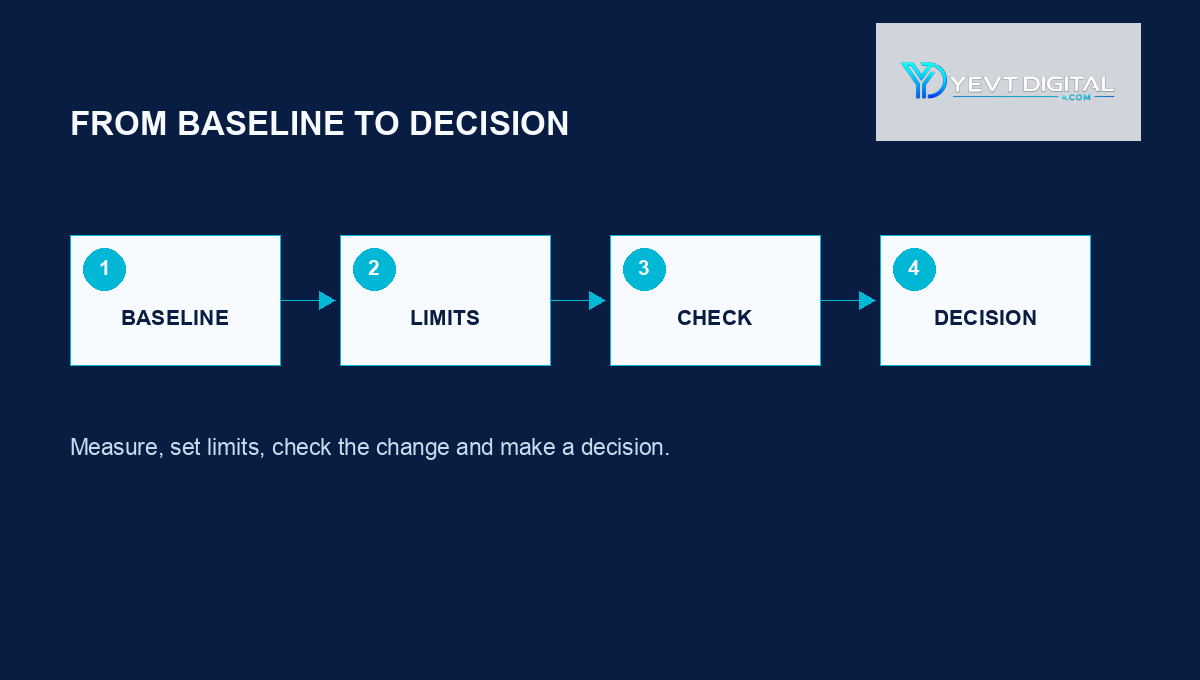
3. Set initial limits from your own baseline
Do not copy someone else’s numbers without context. Measure the current page, separate essentials from additions and choose a limit strict enough to prevent growth but achievable in the next change. Keep a long-term target separate from the first threshold.
You might set separate limits for JavaScript, images and fonts, plus a threshold for one user-centred metric. The actual values must come from the project, target devices and content; this article deliberately avoids universal kilobyte limits.
4. Turn the budget into a pre-release check
A budget that exists only in a document is quickly forgotten. Add it to the existing review flow: measure the preview, compare it with the baseline and show the difference. A small site may use a clear checklist; a frequently changing product may automate the check in its development workflow.
Separate warnings from failures. A warning requires explanation and review, while a hard limit blocks release. Every exception should have an owner, reason and review date, or exceptions will become the new standard.
5. When a limit is exceeded, make a trade-off
An overage is not only a technical defect. It asks the team to compare feature value with cost. Optimise the asset, remove a duplicate, load an addition only when needed, replace a library or postpone the feature until space exists in the budget.
Watch for local fixes that merely move cost elsewhere. Compressing one image does not help if a new script adds substantial main-thread work. Recheck the whole page and repeat the user-centred metric under the same conditions.
6. Introduce a budget in one working week
Begin with a narrow scope: one key page and a few metrics the team understands. The first week is not about a perfect system. It is about making one visible decision before page weight grows. After the first real change, assess whether the limits help or create false alarms.
Review the budget when the template, audience, devices or major functionality changes. Do not automatically raise it whenever the project exceeds it. First document why the overage happened and what value it adds.
- Choose one key page and visitor goal.
- Save baseline measurements under consistent conditions.
- Set limits by resource type and one user-centred metric.
- Add a warning or hard limit to the existing review.
- Document exceptions and measure again after the change.
7. Frequently asked questions
Is a Lighthouse score enough for a budget?
No. An aggregate score is a useful signal, but the budget should include measurable limits that show what grew and how experience changed.
Should every page type use the same budget?
No. Home pages, products, applications and articles have different content and tasks. Set budgets for representative templates.
Does a budget prevent new features?
No. It asks you to compare feature value with cost and create room through optimisation or removal of a less important resource.
How often should we measure?
At least before releasing a resource-affecting change and periodically in production. Consistent conditions matter more than a random large number of runs.
How should third-party scripts be handled?
Give them a separate part of the budget, check when they load and remove scripts without a clear owner or measurable value.
When should limits change?
When the page goal or confirmed usage conditions change. Document the reason; do not raise a limit simply because it was exceeded.
8. Conclusion
A performance budget turns “the site should be fast” into a testable rule. Choose an important page, measure a baseline, combine resource limits with a user-centred metric and define what happens when a threshold is exceeded. A good budget does not replace analysis, but it prevents page weight from growing unnoticed through a series of small decisions.
Sources: web.dev: Performance budgets 101, web.dev: Your first performance budget, Chrome DevTools: Performance overview. Accessed 14 November 2026.
Send us the key page and describe which features and content must fit within its budget.