Alt Text on a Business Website: When to Describe an Image and When to Leave Alt Empty
Alt text is not a description automatically added to every image. Its job depends on the image’s role in context: convey equivalent meaning, explain a function or allow a purely decorative image to be skipped.
W3C guidance distinguishes informative, decorative, functional and complex images. The key question is therefore not “what is visible?” but “what does the user lose if the image is unavailable?” The answer determines whether the alt attribute contains concise text or remains empty as alt="".
1. Start with purpose, not appearance
The same photograph may need different alt text in different contexts. A speaker photograph beside a biography may need the name, while the same photograph next to an existing name may add nothing. Describe the image’s function in the page, not every detail.
Read the heading, surrounding copy and page goal. Repeating adjacent information may create noise. If the image adds a fact needed for understanding, that fact belongs in the text alternative.
2. Distinguish informative and decorative images
An informative image conveys a fact, example or meaning not fully expressed nearby. Its alt text should concisely provide equivalent meaning. Avoid opening with “image of” when the element type is already announced.
A decorative image adds neither information nor function. For an img element, use an empty alt attribute, alt="", so assistive technology can skip it. A missing alt is not the same as an empty alt; some screen readers may announce the filename.
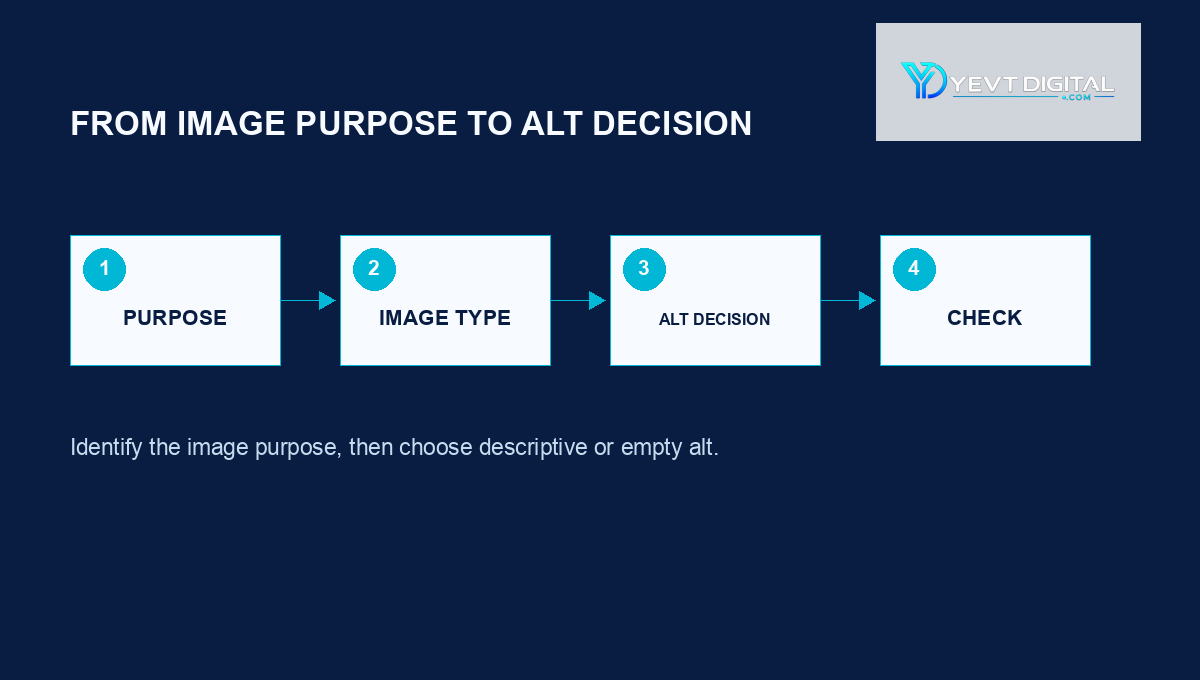
3. Describe the action of a functional image
When an image acts as a button or link, the alternative describes the result or destination. A magnifying-glass icon in a button needs the accessible name “Search”, while a logo linking home needs a home-page function appropriate to the interface language.
Do not describe only the icon’s appearance when the user needs its action. Check the visible label too: if a button already contains clear text, the icon can often be decorative to avoid repetition.
4. Provide an equivalent for text images and complex graphics
When an image contains essential text, its alternative must convey those words or equivalent meaning. Important copy is usually better as real HTML because it can be enlarged, translated and adapted more easily.
A chart rarely fits into short alt text. Identify it and state the main takeaway briefly, then provide the data or detailed explanation in nearby content, a table or a clearly linked page. Short alt text should not impersonate a full report.
5. Avoid patterns that do not help
Filenames, keyword strings and generic phrases such as “nice image” do not communicate purpose. A pixel-by-pixel essay also distracts from the task. Alt text is content and needs the same editorial review as a heading or button.
Do not rely on automatic generation without contextual review. A tool may recognise objects while missing the business meaning or duplicating information already present.
6. Audit one page systematically
View the page without images or inspect the accessible name of every element. For each image, decide: information, function, complex content or pure decoration? Then check the decision against nearby copy and in both languages.
Finally, test functional images with a keyboard and screen reader. Code review alone cannot reveal every repeated phrase, announced filename or hidden link destination.
- Record each image’s purpose in context.
- Give informative images a concise equivalent meaning.
- Set alt="" on decorative img elements.
- Describe the action or destination of functional images.
- Provide complex details outside short alt text.
7. Frequently asked questions
Does every image need descriptive alt text?
No. Every img needs an alt attribute, but a decorative image needs an empty alt.
Does empty alt mean omitting the attribute?
No. alt="" explicitly tells assistive technology that the image can be skipped.
How long should alt text be?
Only as long as needed to convey purpose and meaning; complex details belong nearby.
Should it say “image” or “photograph”?
Usually not, because assistive technology announces the element type; include it only when the medium matters.
How should a linked logo be described?
Describe the link function, such as the organisation name and home page, according to context.
Can AI write alt text automatically?
It can propose text, but an editor must verify context, accuracy, repetition and language.
8. Conclusion
Good alt text starts with image purpose. Convey meaning for informative images, action for functional images, use empty alt for decoration and place complex details outside the short alternative. A systematic review of context and screen-reader output prevents both silence and unnecessary noise.
Sources: W3C WAI: An alt Decision Tree, W3C WAI: Decorative Images, W3C: Understanding Non-text Content. Accessed 15 November 2026.
Send us the page you want reviewed for content, accessibility and conversion.